
Construction
Truck cab to traffic control
Coordinate work zones, equipment, deliveries and remote supervisors.
Explore construction useTurn compatible Android phones and tablets into a direct push-to-talk voice network for construction crews, security teams, logistics operations, events and trusted families. Talk across a property or across the world whenever both devices have usable internet.
The app, accounts, payments and live communication service remain securely hosted by HamRadioList.com. This website provides product information and official service links.

Built for the real world
Use the Android devices your people already carry. Replace repeated calls and scattered messages with the speed and simplicity of push-to-talk.
Coordinate work zones, equipment, deliveries and remote supervisors.
Explore construction use
Connect indoor posts, exterior patrols, entrances and dispatch.
Explore security use
Keep dock teams, drivers, forklift operators and managers aligned.
Explore logistics use
Bring production, parking, guest services and security together.
Explore event use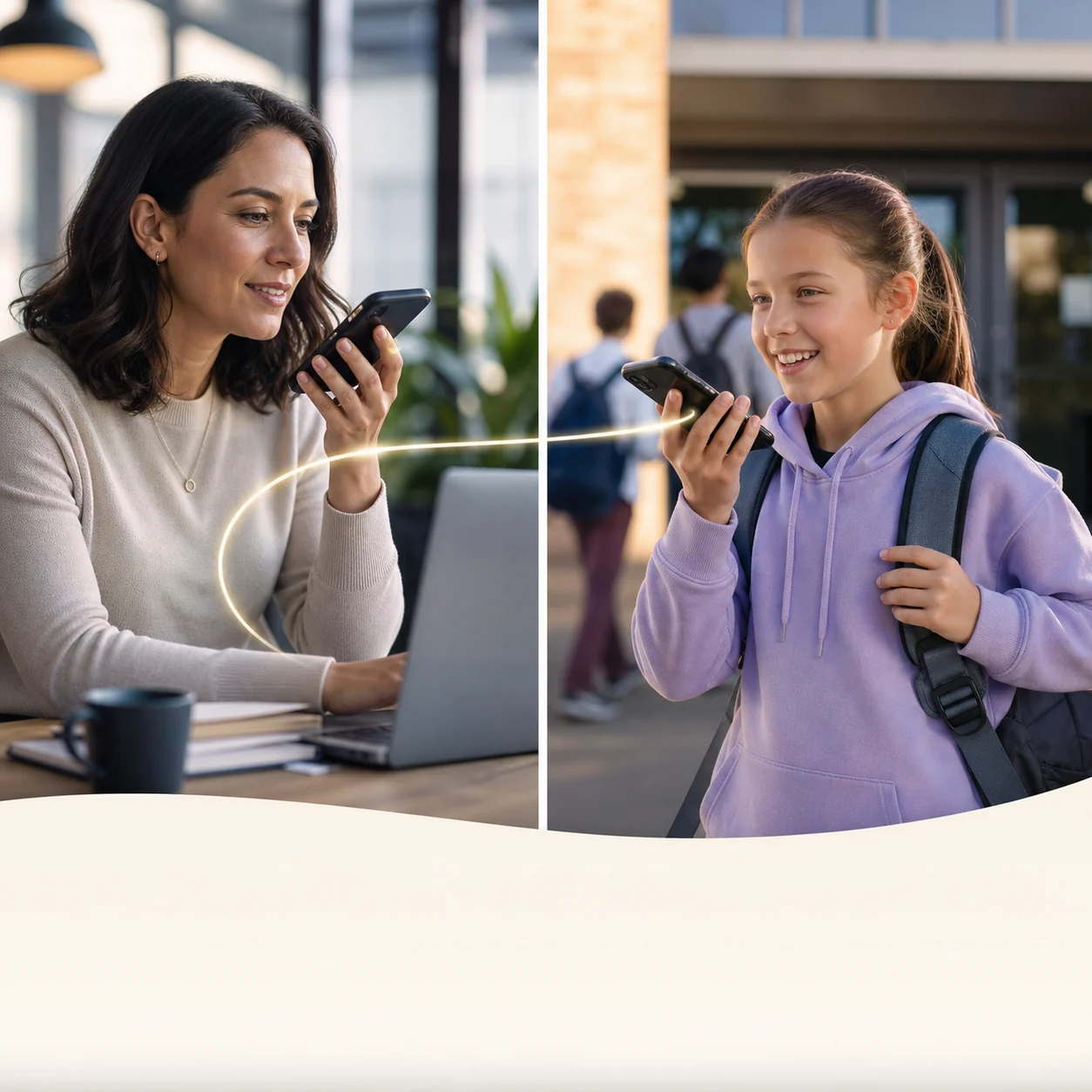
Create a private room for approved family members and caregivers.
Explore family use
Keep authorized night, inspection and remote crews connected.
Explore private channelsAdvanced push-to-talk technology
Walkie Talkie HRL keeps the familiar hold-to-talk workflow while adding private rooms, identifiable participants and worldwide reach to Android devices.
Hold the large PTT button to speak and release it to return immediately to listening.
Use a working internet path supplied by Wi-Fi, cellular data or satellite-backed Wi-Fi.
Share a unique channel code and six-digit passcode only with authorized people.
When Android permissions and power settings allow it, remain ready while using another app.
Use the Android speaker by default or select a supported Bluetooth audio device.
Use a registered nickname, a real first name or an operational label where supported.
Contact without borders
Traditional handheld radios are limited by terrain, power and local coverage. Walkie Talkie HRL uses the internet, so the same private room can connect people in separate buildings, cities or countries.
Simple by design
No specialist radio knowledge is required. The operating service remains on HamRadioList, while this website explains the official setup path.
Download the official APK from HamRadioList and confirm the app name before installation.
Grant the Android permissions needed for PTT transmission, speaker playback and background readiness.
Enter a public room or use the unique code and six-digit passcode supplied by a private-room owner.
Worldwide reach
A connection cannot be created where no internet path exists, but a usable Wi-Fi or mobile-data link can extend your voice channel far beyond normal handheld-radio range.
Connect gates, floors, vehicles, equipment and site offices.
Keep roaming teams, drivers and dispatch on one operational line.
Talk to trusted participants in different cities and time zones.
Use Wi-Fi, mobile data or satellite-backed Wi-Fi when available.
Frequently asked questions
Yes. A working Wi-Fi internet connection can carry PTT audio. Mobile data can also be used when available.
Yes. Compatible Android phones and tablets can use the app when they have a microphone, speaker and internet access.
No. The app uses internet voice communication rather than amateur-radio frequencies. Licensed operators are also welcome.
Yes. A private-channel owner can share a unique channel code and six-digit passcode with the intended group.
The current release is for Android devices. This information website does not offer an iPhone or iPad version.
The APK, accounts, payments and live service remain hosted by HamRadioList. WalkieTalkieHRL.com is the official information website.
Ready to talk?
Download the official Android app from HamRadioList, choose a public channel or create an access-controlled private room, then carry the conversation wherever your devices have usable internet.